
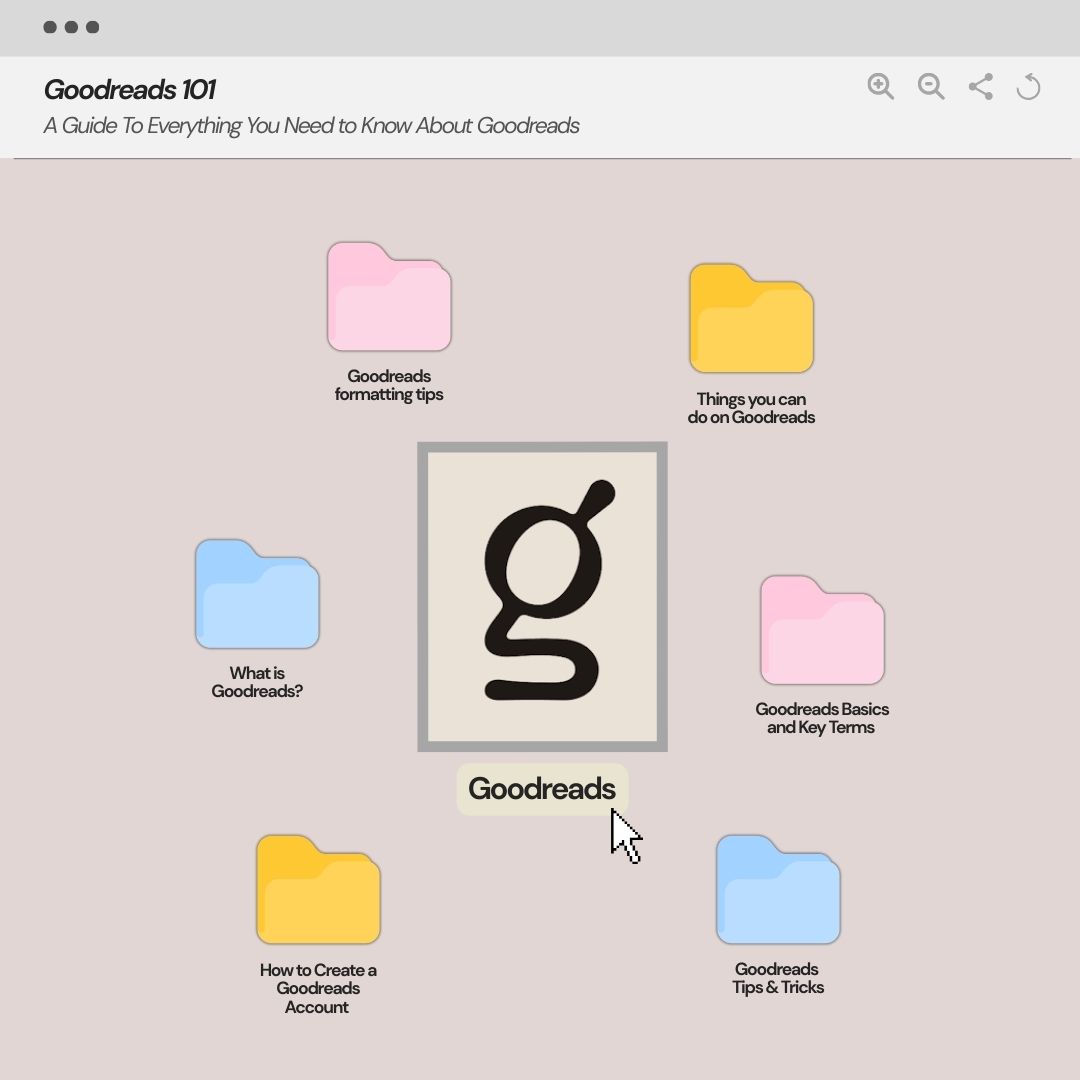
If you are new to goodreads, or have any questions regarding goodreads, you are in the right place and I hope this guide will help you.

Related to Goodreads
- 2025 Goodreads Choice Awards | Winners, Books & more
- My Year in Books’ 2024 + Reading Wrap Up
- My year in books’ 2023 – Racoffee Books
- Mid Year Book Wrap Up + Book Freakout Tag 2025
- Mid Year Book Wrap Up + Book Freakout Tag 2024
- Mid Year Wrap Up ‘2023 : Books & Music
If you are a reader and love books, you will definitely love goodreads. Whether you are new But if you have no idea about the app, don’t worry I got you! From What is goodreads, how it works, how to create your first account, rate and write a book review, find new books and genres, create selves, basic and most used terms and sections, trends, challenges and many more thing things are explained in this guide with some frequently asked questions that can help you with any confusion.
So, without any further due, let’s dive in to the guide!!
What is Goodreads?
Created in January 2007, Goodreads is the biggest online platform for book lovers, an American social cataloging website operated by Goodreads, Inc., a subsidiary of Amazon.
It is also the largest site for readers and the book community. We can also call it the OG social media for readers. The ultimate place to track what you are reading, rating, writing a book review, discover new books, explore different genres, join communities and groups, take part in challenges, engage by reading and replying to other readers reviews and make new friends too.
A list of things you can do on Goodreads
- Track your reading progress
- Set a reading goal
- Rate a book
- Write a book review
- Make to be read list
- Find new books
- Get personalised book recommendations
- Create shelves
- Organize your digital books with shelves
- Join bookish communities
- Follow readers, book bloggers, authors
- Take part in bookish challenges
- Win Giveaways
- Find bookish friends
- If you are a author this is the perfect place to promote you books
How to Create a Goodreads Account
- Open the Goodreads app or go to Goodreads.com
- Click on Sing Up and create an account with you personal Email, amazon account, google or facebook. I would suggest creating it with email.
- Use a strong and suitable password.
- And, the first is done!
- To set up, upload a picture as you DP. This is optional but I would suggest adding a picture so it looks real and completed. And in the future, it helps when you are communicating with other users and authors.
- Write a bio. You can write about yourself, your preference, taste is books, reading goals and rating system.
- Start adding books you have read before so it will let the app know what you are expecting so it will give you a more personalized recommendation.
- Add at least 20 to 30 books you have read or slowly all the books you have read so the algorithm and search engine will help you understand better and personalized recommendations.
Goodreads Basics and Key Terms
- Shelves – Your book categories. Default shelves include:
- Read
- Currently Reading
- Want to Read
- You can create your shelves like this – 2025 TBR, 5-star, favorites,Thrillers, Dark Academia, Spicy reads, DNFs, TBR
- To Be Read list — this is called Want to Read at Goodreads.
- Reading Challenge – Your yearly book goal.
- Updates – Status updates that include updates about progress, quotes, reactions, mini reactions.
- Reviews
- What you write about a book – however long, short, or full of spoilers.
- Lists – Lists that have been crowdsourced such as books like fourth wing or books like the best YA Fantasy.
- Goodreads Choice Awards
- The voting of best books of each genre every year.
- Giveaways – They are marketing free book giveaways by authors and publishers.
- Groups – reading communities, mini book club via chat on goodreads.
- Author Profile – The authors are able to claim their author page with the Goodreads Author Program.
How to Use Goodreads as a Reader
- Build your shelves
- Put books into – Read, Currently Reading, Want to Read
- Then create 3-5 custom shelves – “Favorites”, “Books to Buy”, “Should I read?”, “5-star predictions”, “Buddy Reads”, Rate books you’ve read,
- Start following reviewers – Reviewers of your genres. Their reviews assist you to find books quicker.
- Explore book pages
- Every book page includes – Summary, Average rating, Community reviews, Similar books, Editions, Quotes
- Try the Reading Challenge
- Give oneself an annual target – it makes it fun and motivating.
- Rate a book you read – perfection, loved it, okay, meh, pain
- Write a book review – this is totally up to how you want to write it. You can start with a quote you loved about the book. The summary, favorite part of the book, your thoughts and opinion. It could be a simple review. And, if you want to write a more aesthetically pleasing review like your favorite reviewers you can follow the formatting tips.
Here are the Goodreads formatting tips
- well formed web urls automatically get turned into links
- link: <a href=”https://www.goodreads.com”>my link text</a>
- link to book: use the “add book/author” link or [book: The Hitchhiker’s Guide to the Galaxy]
- link to author: use the “add book/author” link or [author: J.K. Rowling]
- image: <img src=”https://www.goodreads.com/image…” width=”40″ height=”100″ alt=”description”/> (Width must be 0-400, Height must be 0-1000, alt is a description of the image. All three are optional, but recommended.)
- bold text: <b>…</b>
- italic text: <i>…</i>
- underline text: <u>…</u>
strike text: <s>…</s>- exact spacing: <pre>…</pre>
- blockquote: <blockquote>…</blockquote>
- paragraph: <p>…</p>
- spoiler: <spoiler>…</spoiler>
- Note: tags must be properly nested, example:
OK <i><b>test</b></i>
Not OK <i><b>test</i></b>
How to use Goodreads as an Author
- Claim your Author Profile
- Add your photo
- Add bio
- Add social media links
- Add books you’ve written
- Create an author presence with answering reader questions
- Post blog updates
- Run giveaways
- Join groups for writers
- Share quotes from your book
- Develop your arc team
- Track competitor books
- Watch what other books of the kind are doing, who are reading them, and which shelves they are falling on.
- Ask for early reviews
- ARCs are popular with readers, and Goodreads reviewers can increase the discovery.
- Use Goodreads Ads (optional)It is easy yet effective, authors can market their books.
Goodreads Challenges and Features
- Reading Challenge – Goodreads has a feature where you can set a reading goal, mainly created by goodread as a reading challenge goal you have to complete each year it also helps you track the books you read that year. Like goodreads 2025 reading challenge.
- Goodreads Choice Awards
- Every year vote on your favorite books.
- Giveaways – Book giveaways hosted by Authors or publishers on Goodreads. You will mostly find this right down the want to read version of goodreads.
- Stats page – Books read, Pages read, Longest/shortest book, Average ratings, Genres you read most, Reading Progress Updates
Goodreads is not making reading more books, read more quickly, or even of the correct opinion, but rather making reading fun, more organized, and social. Any way you want to use it to follow your TBR, write smart reviews, complete reading challenges, or befriend fellow readers and writers around the globe, there is no wrong way to use Goodreads.
Start small. Add a few books. Write an honest review. Create shelves that feel you. With time, Goodreads is not merely an application any longer: it is a library of reading and the place where your progress in reading finally counts.
That is why this is the best time to get into a Goodreads account (or make good use of it) finally. Your next favorite book and your next great reading habit – may be waiting in your shelf right now. So, just start and enjoy the fullest, if you have any problem take help from this guide or you can reach out to me anytime on socials, I will always be happy to help.
Hope you have a good Goodreads journey and Happy reading! <33
Author

admin@racoffeebooks.com
Related Posts >

Something Very Bad Is Going to Happen Ending Explained + Season 2 Theories
Here is the Something Very Bad Is Going to Happen ending explained with season 2 hint’s because I am also...
Read out all
A Guide to Windy City Series by Liz Tomforde | All 6 Books, Reading Order & TV Adaptation News
Should I read The Windy City Series by Liz Tomforde before In Her Own League?” What’s the Windy City Series...
Read out all
What is the Penguin Random House and Coach Collaboration About ? Everything You Need To Know (Including The 6 New Coach Book Bag Charms)
With Coach book bag charms, the Penguin Random House and Coach Collaboration is setting new trends in the literary fashion...
Read out all
Everything Sarah J. Mass Revealed on Call Her Daddy – New ACOTAR Book 6,7, Adaptations & More
Sarah J. Mass totally broke the booktok internet today with her Call Her Daddy appearance and updates, so here is...
Read out all
If You Liked Love Story 2026 : John F. Kennedy Jr. & Carolyn Bessette, Read These Books
If you watched Love Story 2026 : John F. Kennedy Jr. & Carolyn Bessette, been obsessed ever since and want...
Read out all
Is People We Meet on Vacation Movie (2026) Actually The Best Booktok Book to Screen Adaptation? My Review & Thoughts
The year is already blessed with the best book to screen adaptation aka The People we meet on Vacation Movie!!
Read out all